

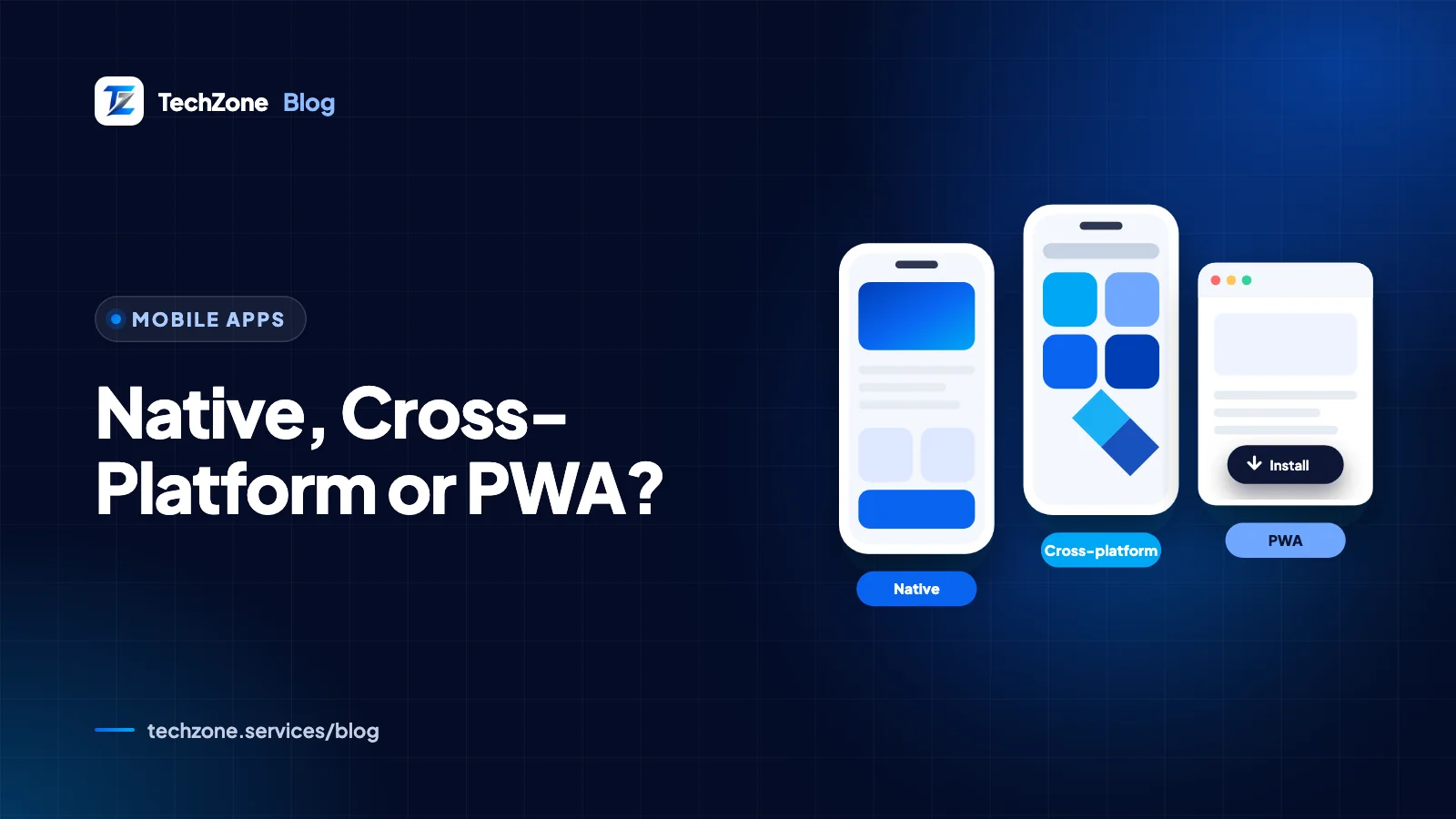
For most business apps that need both app stores, cross-platform development with Flutter or React Native gives the best balance of cost, speed and quality. Choose native (Swift for iOS, Kotlin for Android) when performance or deep hardware access is the product. Choose a PWA when browser reach and instant updates matter more than store presence.
This isn’t just a technology preference. It sets your budget, the skills you hire, how quickly you ship fixes and which phone features you can use, and it is hard to reverse once real users depend on the app.
Below you’ll find how each approach works, an eight-point comparison, the real PWA limits on iPhone, and a decision table and checklist to use with your team.
Key takeaways
- Native apps built with SwiftUI and Jetpack Compose give the best performance and first access to new OS features, but need two codebases.
- Flutter and React Native ship iOS and Android apps from one shared codebase, which suits most business apps.
- A PWA is an installable website: cheapest to launch and instant to update, but limited in device access and app store presence.
- On iPhone, a PWA can send web push notifications only after the user adds it to the Home Screen (iOS 16.4 and later).
- List the features you can’t compromise on first; the right approach usually follows directly from that list.
What is the difference between native, cross-platform and PWA apps?
The difference is how much code you write per platform and how close that code runs to the operating system. Native means one codebase per platform, cross-platform means one shared codebase built for both, and a PWA is a website that behaves like an app.
Native apps: Swift/SwiftUI and Kotlin/Jetpack Compose
A native iOS app is written in Swift, usually with SwiftUI, Apple’s declarative UI framework for all its platforms. A native Android app is written in Kotlin with Jetpack Compose, which Google recommends as the modern way to build Android UI.
Each app uses the platform’s own tools, components and APIs directly. You get the best performance and day-one access to new OS features, but you build and maintain two separate apps, usually with two sets of specialists.
Cross-platform apps: Flutter and React Native
Cross-platform frameworks let one team write most of the app once and ship it to both stores. Flutter, an open-source framework supported by Google, uses the Dart language, compiles to ARM or Intel machine code and draws its own interface, so screens look the same on every device. React Native uses JavaScript or TypeScript with React and renders each platform’s native UI components.
When you need something the framework doesn’t cover, both can call native Swift or Kotlin code; Flutter does this through platform channels. At TechZone we build mobile apps with Flutter; the framework comparison below explains why.
Progressive web apps: service workers, manifest and installability
A progressive web app (PWA) is a website built to behave like an installed app. Three pieces make that work:
- HTTPS: browsers only offer installation for sites served over a secure connection.
- A web app manifest: a JSON file with the app’s name, icons, start URL and display mode, so the browser can install it with its own icon and window.
- A service worker: a script that sits between the app and the network, caching files and data so the app loads quickly and keeps working offline.
Chromium-based browsers don’t require a service worker to install a PWA, but you need one for offline support and push notifications. Because a PWA is a website, its speed is judged like any other site; our guide to Core Web Vitals covers the thresholds that matter.
How do native, cross-platform and PWA apps compare?
Native wins on performance and device access, PWAs win on cost and update speed, and cross-platform comes close to native for typical business apps with a single team. The table covers the eight criteria that usually decide it.
| Criterion | Native (Swift / Kotlin) | Cross-platform (Flutter / React Native) | PWA |
|---|---|---|---|
| Cost and time to build | Highest: two apps, two codebases | Lower: one shared codebase plus some platform-specific work | Lowest, especially if you already have a web app |
| Performance | Best: direct access to the OS and GPU | Close to native for typical business apps; heavy graphics or AR may need native code | Good for content, forms and dashboards; limited by the browser engine |
| Device-feature access | Full, including new OS features on release day | Broad through plugins; new or niche APIs may need custom native code | Only the web APIs the browser supports; notably narrower on iPhone |
| Offline support | Full: local database and background tasks | Full: local database and background tasks | Good through service worker caching; no Background Sync in Safari |
| App store distribution | App Store and Google Play | App Store and Google Play | Installed from the browser; Google Play via a Trusted Web Activity; App Store needs a native wrapper |
| Updates | Through store review; users update at their own pace | Through store review; users update at their own pace | Live as soon as you deploy |
| Maintenance | Two codebases to keep current with yearly iOS and Android releases | One codebase, plus framework and plugin upgrades | One web codebase, plus cross-browser testing |
| Team skills | Swift and Kotlin specialists | Dart (Flutter) or JavaScript/TypeScript and React (React Native) | Web developers: HTML, CSS, JavaScript |
What can a PWA do on iPhone, and what can’t it?
On iPhone and iPad, a PWA can be added to the Home Screen and, since iOS and iPadOS 16.4, can send web push notifications once installed. Several APIs that work in Chrome on Android are still missing in Safari, and the App Store won’t take a PWA as it is.
In practice, according to WebKit and MDN’s compatibility data:
- Installation is manual. iOS shows no automatic install prompt. Users tap Share, then Add to Home Screen, and since iOS 16.4 this works from Safari, Chrome, Edge, Firefox and Orion.
- Push needs a Home Screen install. Web push works only for Home Screen web apps whose manifest sets
displaytostandaloneorfullscreen, and the permission request must follow a user action such as tapping a Subscribe button. - Badges work with permission. Home Screen web apps can show a badge count on their icon through the Badging API.
- Some hardware APIs are missing. Safari doesn’t support Web Bluetooth, Web NFC or Background Sync, so an iPhone PWA can’t talk to Bluetooth devices or retry failed uploads in the background.
- The App Store needs more than a wrapper. Section 4.2 of Apple’s App Review Guidelines expects apps to go beyond a repackaged website, so a thin shell around a PWA is a real rejection risk.
None of this rules out a PWA for iPhone users. It rules one out when push re-engagement, Bluetooth hardware or App Store visibility sits at the center of the business case.
Which approach is cheapest and fastest to build and maintain?
A PWA is usually cheapest to launch, cross-platform is usually cheapest for a true two-store app, and native costs the most because you pay for two apps. The gap grows over time as every native feature and fix is built twice.
Build cost and time
With native, iOS and Android developers build the same screens, logic and tests separately. Cross-platform shares most of that, although you still need platform-specific work for payments, push setup, permissions and store listings. A PWA can reuse an existing website’s design system, backend and deployment pipeline.
Updates and release process
Native and cross-platform apps go through App Store and Google Play review for each release, and some users stay on older versions, so your backend has to support several app versions at once. A PWA update goes live when you deploy, and the service worker picks up the new files on users’ next visits.
Long-term maintenance
Apple and Google ship major OS releases every year, and both stores periodically raise their minimum SDK requirements. Native teams update two apps. Cross-platform teams upgrade the framework and its plugins, then fix any platform edge cases. PWA teams retest across browsers as web platform support changes.
Team skills
Native needs Swift and Kotlin developers. Flutter needs Dart, which is approachable for developers coming from Java, Kotlin or TypeScript. React Native suits teams that already build with React. A strong web team can build a PWA, often as an extension of your existing web development work.
Flutter or React Native: which cross-platform framework fits?
Both are mature and ship production apps to both stores; the better choice depends mostly on your team and your design goals.
- Choose Flutter if you want a strongly branded custom UI that looks the same everywhere, one language (Dart) for the whole app and fast UI iteration with hot reload. Flutter can also target web and desktop from the same codebase.
- Choose React Native if your team already works in React, you want screens built from each platform’s own native components, or you plan to share logic with a React web app. The React Native docs recommend starting new projects with the Expo framework.
For booking, ordering, loyalty, field-service and internal apps, Flutter lets one team deliver both platforms with one design system. Good cross-platform apps still respect platform conventions, such as navigation patterns and system gestures, which is where careful UI/UX design pays off.
For a detailed side-by-side, read our full comparison of Flutter vs React Native.
Which approach should you choose?
Start from the features you can’t compromise on, then pick the lightest approach that delivers them. The table maps common requirements to the approach that fits.
| Choose | If |
|---|---|
| Native (SwiftUI + Jetpack Compose) | Performance or hardware is the product (AR, advanced camera or video processing, games, wearables, Bluetooth accessories), you need new OS features on release day, and you can fund two codebases. |
| Cross-platform (Flutter or React Native) | You need both app stores, push notifications, offline mode and common device features (camera, location, biometrics) on one budget and one team, with the same branded design on iOS and Android. |
| PWA | Your users arrive from search, ads or links; the app is mostly content, forms, catalogs or dashboards; you want instant updates without store review; and App Store presence isn’t essential. |
| PWA first, app later | You are still validating demand: launch a PWA, measure real usage, then build a store app once retention justifies it. |
Tip
Keep your business logic in a well-documented backend API. Native, Flutter, React Native and PWA front ends can all use the same API, so changing approach later means rebuilding screens, not your whole system.
What should you check before you decide?
Work through these questions with your team. A yes to any of the first three means a PWA alone probably won’t be enough.
- Must customers find and download the app in the App Store or Google Play?
- Do you need Bluetooth, NFC or background processing on iPhone?
- Is push re-engagement central, including for iPhone users who may never add a site to their Home Screen?
- Is smooth animation, heavy graphics or real-time media processing the core of the experience? If so, weigh native seriously.
- Can you fund two codebases for the life of the app? If not, go cross-platform.
- Which languages does your team already know?
- How often will you ship changes, and can each release wait for store review?
- Which tasks must work offline, and how much data must the device store?
When you are ready to scope the build, our guide on how to plan a mobile app turns these decisions into an MVP checklist.
How TechZone can help
TechZone builds cross-platform mobile apps with Flutter for iOS and Android, and PWAs for businesses whose customers mostly arrive through the web. Before writing code, we map your must-have features against the trade-offs above, including the iPhone limits, so the approach is chosen on evidence rather than habit. We can also design the interface and build the backend API every front end will share. See our mobile app development service, or contact us with your feature list for a clear recommendation.
Frequently asked questions
Can a Flutter app feel native on iPhone?
A Flutter app can feel native on iPhone when it is designed around iOS conventions. Flutter includes Cupertino widgets that follow Apple’s Human Interface Guidelines, and it can call Swift code through platform channels for iOS-specific features. Because Flutter draws its own interface instead of using SwiftUI or UIKit components, careful design and testing on real iPhones matter more than with native apps.
Can I turn my existing website into a PWA?
An existing website can usually become a PWA without a rebuild. The site needs HTTPS, a web app manifest listing its name, icons, start URL and display mode, and a service worker if you want offline support or push notifications. The bigger job is often making the site fast and touch-friendly on phones, because users judge an installed PWA against real apps.
Does a PWA help SEO more than a native app?
A PWA can help SEO because it is a website: Google can crawl, index and rank its pages like any other site, as long as the content renders properly. A native or Flutter app is found mainly through App Store and Google Play search, so it relies on app store optimization plus a separate website for Google visibility. Our technical SEO checklist covers the web side.
Do I need separate designs for iOS and Android?
Separate designs for iOS and Android are rarely necessary, but an app design should respect each platform’s conventions. Apple’s Human Interface Guidelines and Google’s Material Design differ on navigation, back behavior, typography and system controls. A shared design system with small platform-specific adjustments keeps one brand while still feeling familiar to both iPhone and Android users.
Can a PWA run on desktop computers?
A PWA can run on desktop computers. Chromium-based browsers such as Google Chrome and Microsoft Edge install a PWA into its own window with a taskbar or dock icon, and Safari 17 and later on macOS Sonoma can add a website to the Dock as a web app. That makes a PWA a low-cost way to offer a desktop app alongside mobile.
Sources and further reading
- Web Push for Web Apps on iOS and iPadOS — WebKit
- Making PWAs installable – Progressive web apps — MDN Web Docs
- Flutter – Build apps for any screen — Flutter (Google)
- React Native · Learn once, write anywhere — React Native (Meta Open Source)
- Jetpack Compose UI App Development Toolkit — Android Developers
- App Review Guidelines — Apple Developer


