
Flutter mobile apps
Flutter apps built for iOS and Android
TechZone Services builds cross-platform mobile apps with Flutter, so one codebase runs on both iOS and Android. We handle screen design, app logic, Firebase or API connection, testing and App Store and Google Play submission, then support the app after release.
What we build
Cross-platform mobile apps from one shared codebase
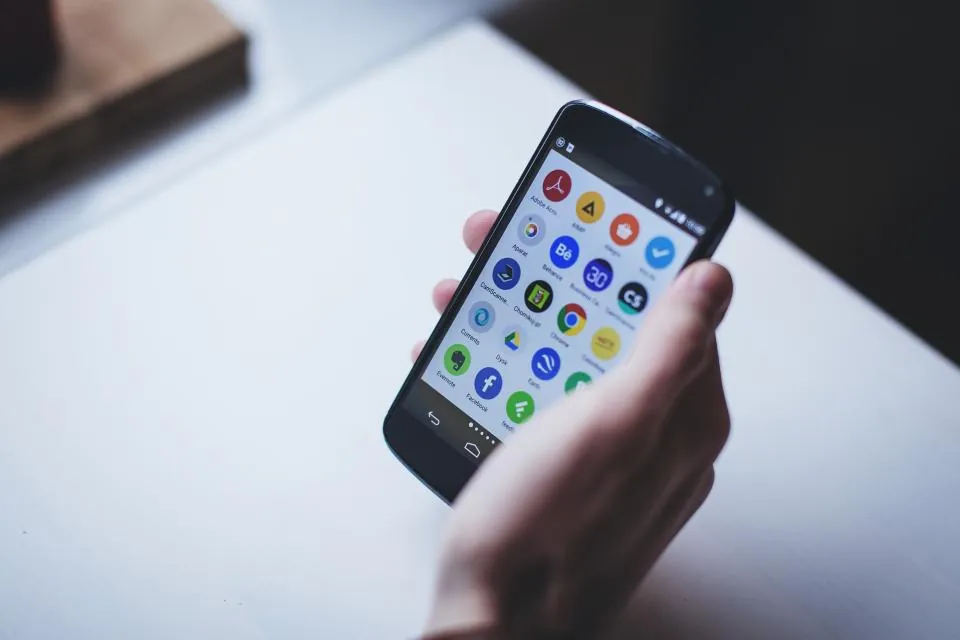
Mobile app development covers everything between an idea on paper and an app your users download from the App Store or Google Play. We use Flutter, Google’s open-source UI toolkit, to build one codebase that runs on both iOS and Android. That means one team, one set of features to test, and consistent behavior across phones and tablets.
As a mobile app development company in Pakistan working with startups, small businesses and larger teams abroad, we handle the full build: screen design, app logic, backend connection, testing and store submission. You get a working app, the source code, and a clear plan for updates once real users start giving feedback.
Ideal for
- Startups launching a first mobile product
- Businesses moving a web service to mobile
- Teams replacing two separate native apps
- Owners of an existing app needing upkeep
Challenges we solve
What stops a good app idea from launching
Most app delays trace back to a few avoidable decisions about platforms, design, data and store readiness.
Paying for two separate apps
Building native iOS and Android apps separately doubles the code, the testing and the bug fixes, and the two versions often drift apart over time.
An app that feels unfinished
Screens designed without real user flows lead to confusing navigation, cramped layouts and forms that people abandon halfway through on a small screen.
Backend and data left vague
Login, payments, push notifications and stored data all depend on a backend. When that part is planned late, the app tends to struggle once real users arrive.
Rejected at app store review
Apple and Google both review apps before listing them. Missing privacy details, broken sign-in or unclear permissions can send a finished app back for rework.
Our approach
How we plan and build your app
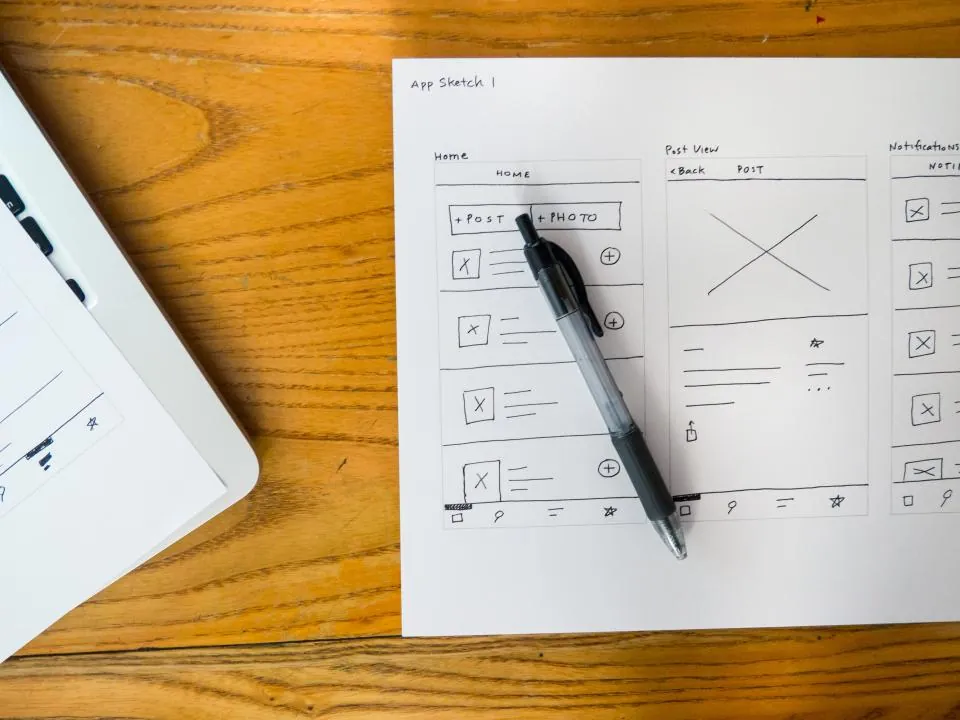
We start by mapping the screens, user roles and data your app needs, then agree on what belongs in the first release. Design comes next, as clickable prototypes you can try on your own phone. Development runs in short cycles with test builds shared through TestFlight and Google Play internal testing, so you see progress on a real device instead of in a status report.
- A first release focused on the features your users need most
- Clear written scope so everyone agrees on what gets built
- One Flutter codebase for iOS and Android, with platform-specific polish
- Regular test builds so you can give feedback early and often
- Code reviews and documentation so any Flutter developer can continue
What's included
What our mobile app service includes
Everything needed to take an app from first sketch to a live listing, and to keep it working afterward.
Flutter app development
We write your app in Flutter and Dart, structured with clear state management so new features can be added without rewriting existing screens.
Cross-platform iOS and Android
A single codebase produces both apps, while we still respect each platform’s conventions for navigation, permissions, gestures and system dialogs.
Mobile UI and UX design
We design thumb-friendly layouts, readable type and clear flows in Figma, then test them as prototypes before any development time is spent.
Firebase and API connection
We connect your app to Firebase for sign-in, databases and push notifications, or to your existing REST or GraphQL APIs when you already run a backend.
App store submission support
We prepare store listings, screenshots, privacy disclosures and signed release builds, then respond to review feedback from Apple and Google.
Ongoing app maintenance
After launch we fix bugs, update packages, keep up with new iOS and Android versions, and ship small improvements based on user feedback.
01
One team, both platforms
The same developers own the iOS and Android versions, so fixes and new features ship to both stores together.
02
Design and code together
Our designers and Flutter developers work from the same Figma files, which keeps the finished app close to the approved screens.
03
You own everything
Source code, store accounts, Firebase projects and signing keys are set up under your ownership, so you are never locked in.
04
Support after launch
We stay available for fixes, operating system updates and new features, rather than disappearing once the app goes live.
Tools and platforms
Tools and technologies we use
We pick packages and services that are well supported, documented and suited to your app’s needs.
- Flutter
- Dart
- Firebase
- Figma
- Android Studio
- Xcode
- TestFlight
- Google Play Console
- App Store Connect
- REST APIs
- GraphQL
- Riverpod
- Git
How it works
From app idea to store listing
01
Discovery
We list your users, core features and integrations, then define a first release that fits your budget and schedule.
02
Prototype
We turn the approved flows into Figma screens and a clickable prototype for you to review and comment on.
03
Development
We build features in short sprints, connect the backend, and send you a new test build after each cycle.
04
Testing
We test on real iOS and Android devices across screen sizes, checking performance, offline behavior and edge cases.
05
Launch
We submit to the App Store and Google Play, answer reviewer questions, and then set up a maintenance plan with you.
Pricing
App development pricing
Starting from
$500
- Flutter app for iOS and Androidfrom $500
- Larger appsquoted after discovery
Starting prices in USD. Final pricing depends on project scope.
FAQ
Questions we often hear
Can’t find what you’re looking for? Send us a message and we’ll answer it directly.
How much does it cost to build a mobile app?
Flutter apps for iOS and Android start from $500. The final cost depends on the number of screens, user roles, integrations such as payments or maps, and whether you need an admin panel. After a short discovery call we send a written scope and a quote, so you know what is included before any work starts. See our pricing.
Why do you recommend Flutter instead of native development?
Flutter lets us ship iOS and Android apps from one codebase, which usually reduces build and maintenance effort compared with two separate native apps. If your app depends heavily on platform-specific hardware features, we will tell you during discovery and discuss whether native code or a hybrid approach makes more sense.
How long does it take to launch an app?
It depends on scope. A focused first version with a handful of core features moves much faster than an app with multiple user types, payments and a custom backend. We share a phased timeline after discovery, and we allow time at the end for Apple and Google store review.
Who owns the app, the code and the store accounts?
You do. We recommend that the Apple Developer and Google Play accounts are registered in your company name, and we hand over the full source code repository, Firebase project access and signing keys when the project is delivered.
What does app maintenance include?
Maintenance covers crash monitoring, security patches, SDK updates required by Apple and Google, and small changes to content or features. You can choose a monthly maintenance plan or request work as needed, and we keep a changelog of every update we release.
Get a quote
Ready to plan your mobile app?
Tell us what your app needs to do and who it is for. We will reply with questions, a suggested first release and clear next steps.
- info@techzone.services
- +92 371 7767407
- Chat on WhatsApp
- Islamabad, Pakistan
Tell us about your mobile app development project
Related services
Often combined with this service
Software Development
We build web applications, dashboards, internal tools and automations in Python, shaped around your processes and connected to the systems you already use.
AI Solutions
We help businesses use AI where it genuinely helps: chatbots, document processing, automated workflows and assistants built into your existing tools, with human review where accuracy matters.
Digital Marketing
We plan and manage Google Ads, social media and content campaigns, with conversion tracking set up first so every budget decision rests on real data.
From the blog
Free guides on mobile apps
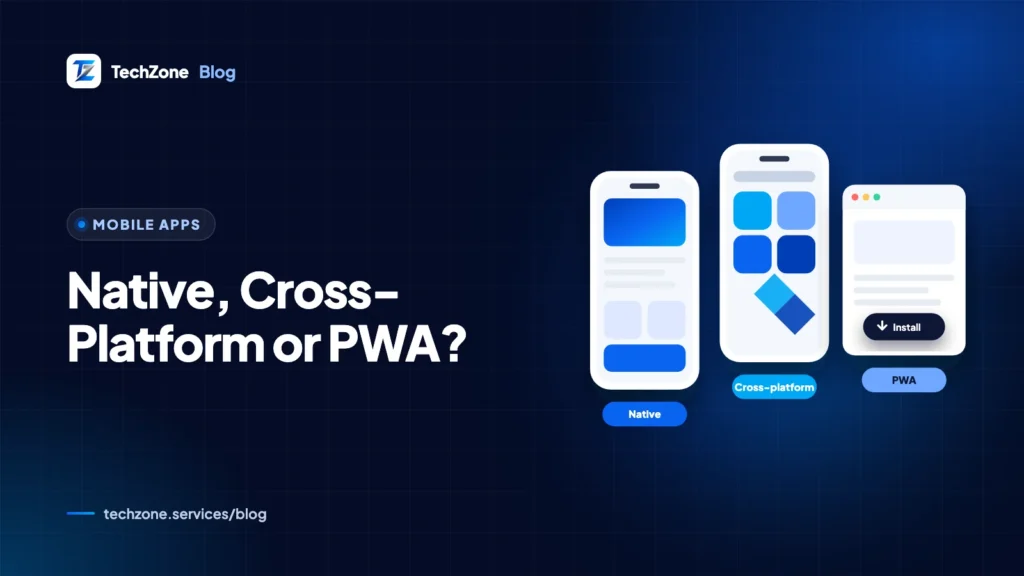
Planning an app and choosing between native, Flutter, React Native and PWAs.
Mobile Apps
·12 min read
Mobile Apps
·12 min read
Mobile Apps
·11 min read